
Every project, one click away
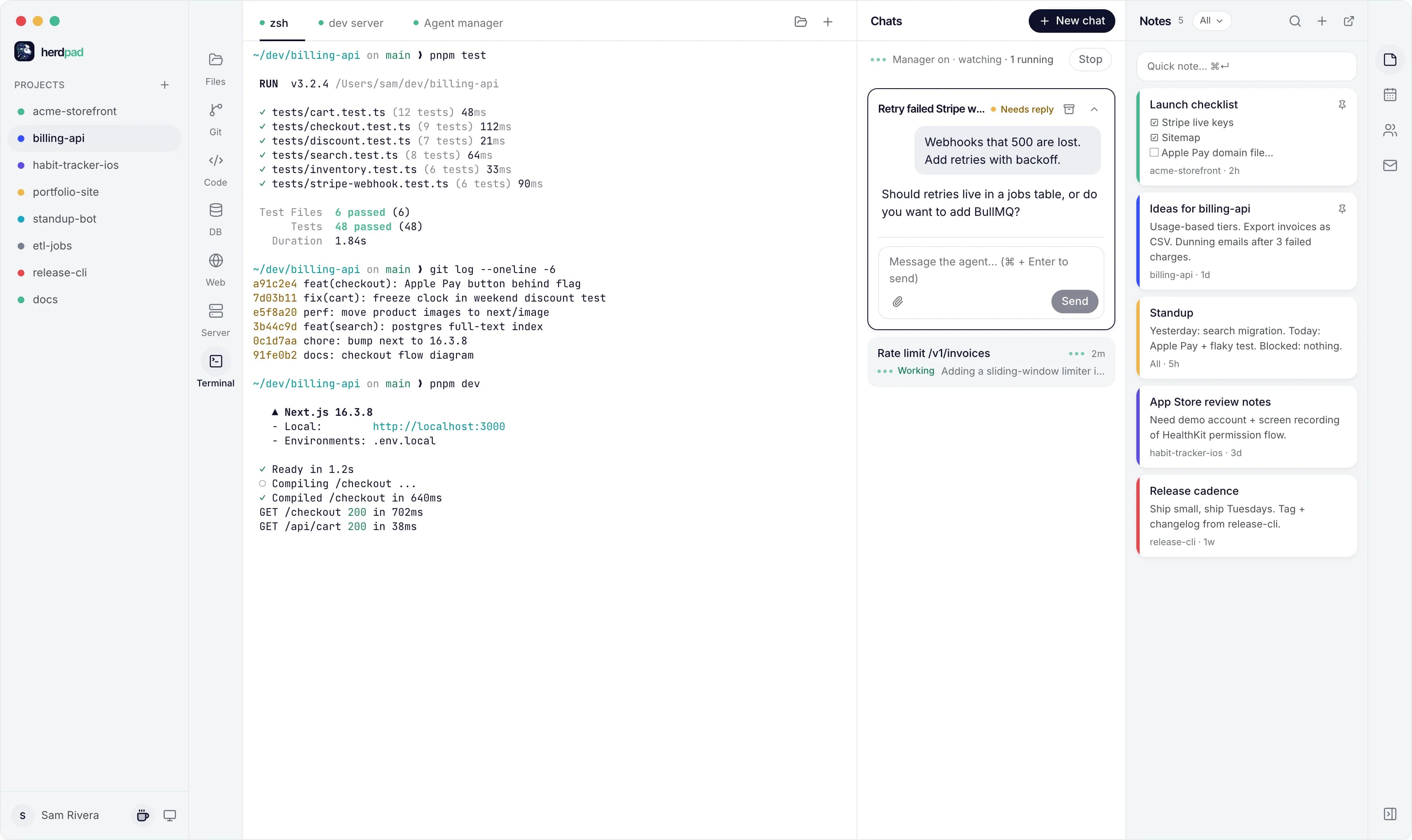
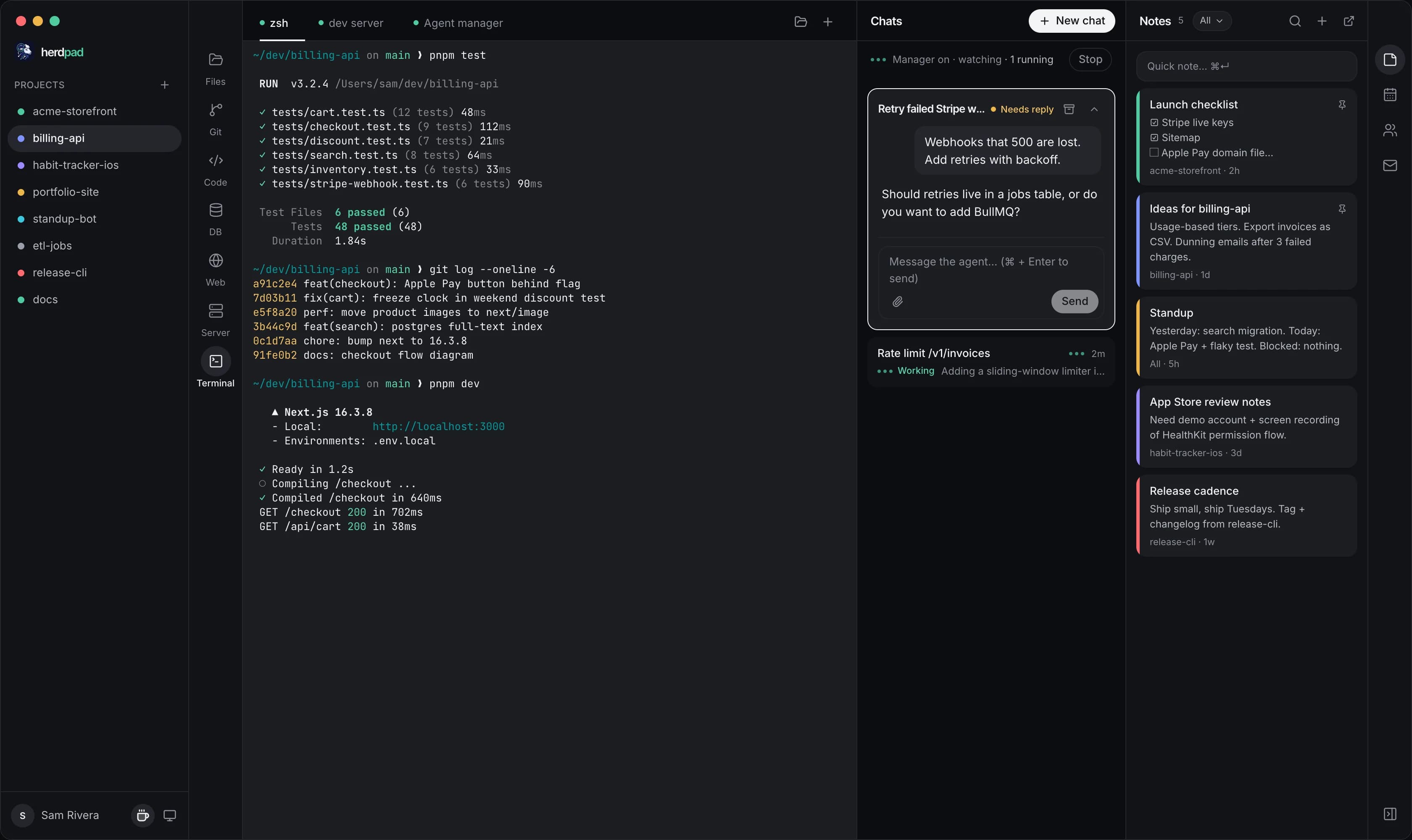
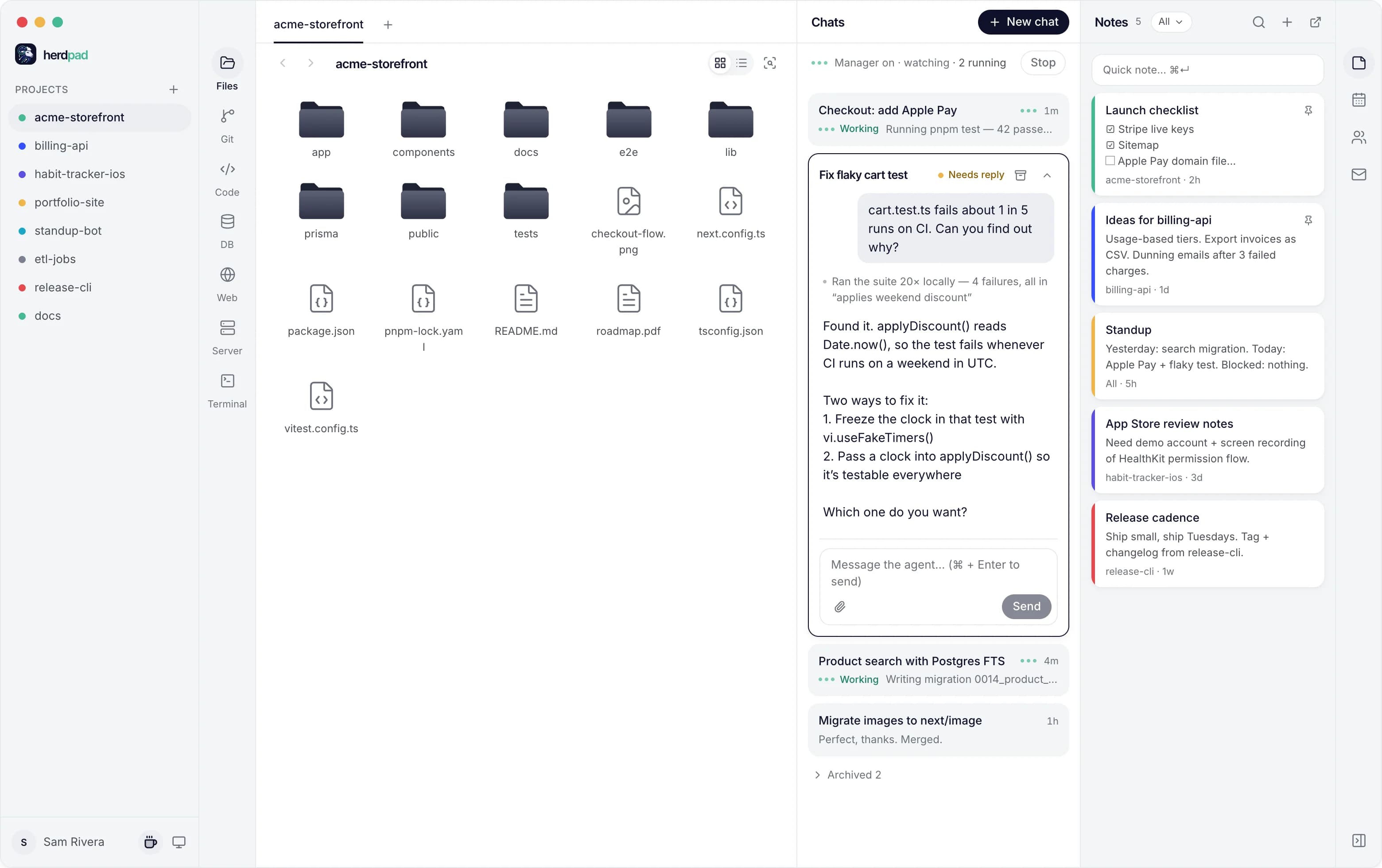
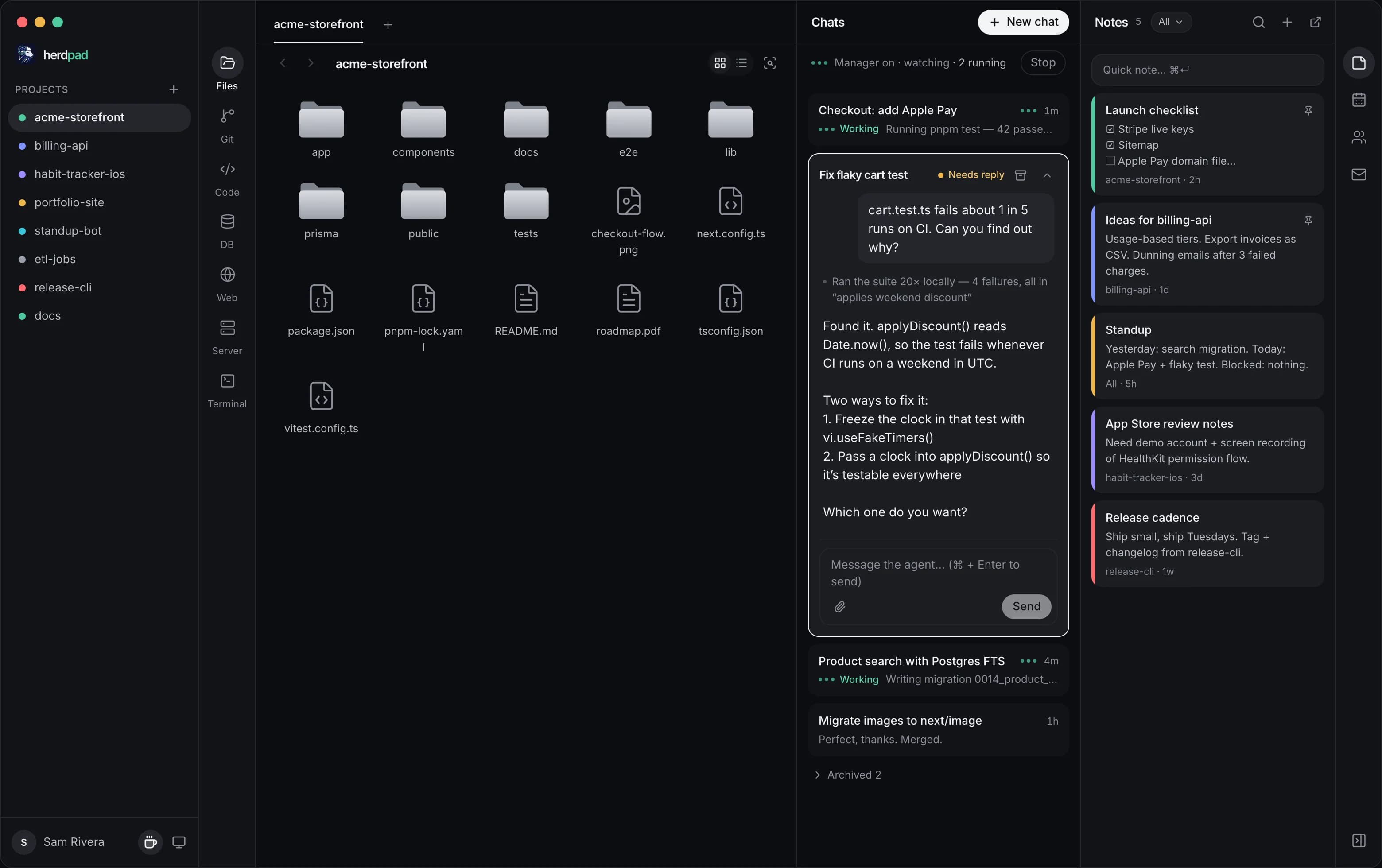
A sidebar of projects, each with its own folder, terminals, chats and notes. Switch context without losing it.
Color-coded
Give each project a color. It follows the project into chats, notes and your calendar.
Context stays put
Open folders, terminal tabs and the chat you were reading are still there when you come back.
Archive, don’t delete
Park finished projects out of the way and bring them back when the client calls.
Projects — FAQ
How many projects can I add?
As many as you like. herdpad is built for people with ten, twenty or fifty repos on the go.
Does a project have to be a Git repo?
No. A project is any folder on your Mac. Git just lights up extra tools.
Can I reorder projects?
Yes — drag them in the sidebar. The order syncs to your phone.